Issues
This is confusing!
Next.js has had 14 versions since it's inception and behind that React has had 18 versions as of March 2024. A lot of these versions included drastic changes to how developers write code as well as enhancements to make it easier for developers to control things that seemed daunting or out of their hands.
With the introduction of Server Side Rendering, the concept of hydration became thrust into the forefront.
Hydration
SSR created an issue with hydration (opens in a new tab). No, this not an advertisement for gatorade or a reminder to drink lots of water (although you should), it is a concept explained below.
In React, “hydration” is how React “attaches” to existing HTML that was already rendered by React in a server environment. During hydration, React will attempt to attach event listeners to the existing markup and take over rendering the app on the client.
Source - https://react.dev/reference/react-dom/hydrate (opens in a new tab)
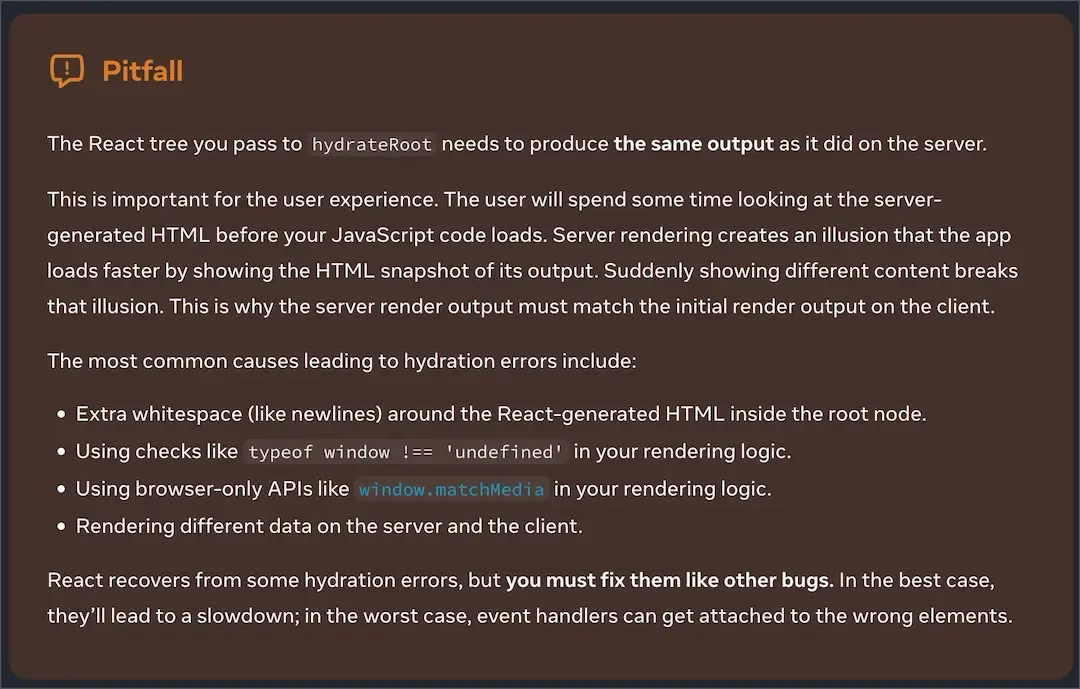
This comes with pitfalls explained in the image below.
This also relates to an error (opens in a new tab) which every Next.js developer has seen countless times.
Text content does not match server-rendered HTML
Why This Error Occurred
While rendering your application, there was a difference between the React tree that was pre-rendered from the server and the React tree that was rendered during the first render in the browser (hydration).
Hydration is when React converts the pre-rendered HTML from the server into a fully interactive application by attaching event handlers.
__NEXT_DATA__
__NEXT_DATA__ is a window object that exists on every Next.js site.
It is sent to the browser as inline script with the HTML id='__NEXT_DATA__ ' being the unique identifier.
This script contains serialized JSON that is used to handle the React data necessary to hydrate the page and make it interactive.
This can be used as a way to identify Next.js sites and also can be a significant percentage of the size of the initial HTML response sent to the browser.
Here is a script that can be used to view the the size of the __NEXT_DATA__ inline script.
function findInlineScriptsWithNextData() {
  const inlineScripts = document.querySelectorAll([
    "script:not([async]):not([defer]):not([src])"
  ]);
  console.log(inlineScripts);
  console.log(`COUNT: ${inlineScripts.length}`);

  const byteSize = {
    NEXT_DATA_SIZE: 0,
    OTHER_SIZE: 0
  };

  function getSize(script) {
    const html = script.innerHTML;
    return new Blob([html]).size;
  }

  function convertToKb(bytes) {
    return bytes / 1000;
  }

  for (const script of [...inlineScripts]) {
    if (script.id == "__NEXT_DATA__") {
      byteSize.NEXT_DATA_SIZE += getSize(script);
    } else {
      byteSize.OTHER_SIZE += getSize(script);
    }
  }

  return {
    NEXT_DATA_SIZE: convertToKb(byteSize.NEXT_DATA_SIZE) + " kb",
    OTHER_SIZE: convertToKb(byteSize.OTHER_SIZE) + " kb",
    totalByteSize:
      convertToKb(byteSize.NEXT_DATA_SIZE) +
      convertToKb(byteSize.OTHER_SIZE) +
      " kb"
  };
}

console.log(findInlineScriptsWithNextData());
Why does this matter?
This pattern effectively creates 2 versions of the site. The first version being the server generated HTML and the second being the site the user can use post hydration.
Interactivity is sacrificed for paint times and can cause the user to get frustrated and bounce because they can see buttons and items to interact with, but the event listeners that control them are not attached yet. This is because hydration hasn't finished. This can be especially frustrating for users on older Android devices or low powered CPUs as the browser's main thread is blocked during hydration.
Versions of Next.js that do not utilize React Server Component architecture are more susceptible to this pattern and are the majority of sites in the wild as of today. These sites all contain a single Next script that will always exist as a long task in the browser and will be the source of the hydration logic.